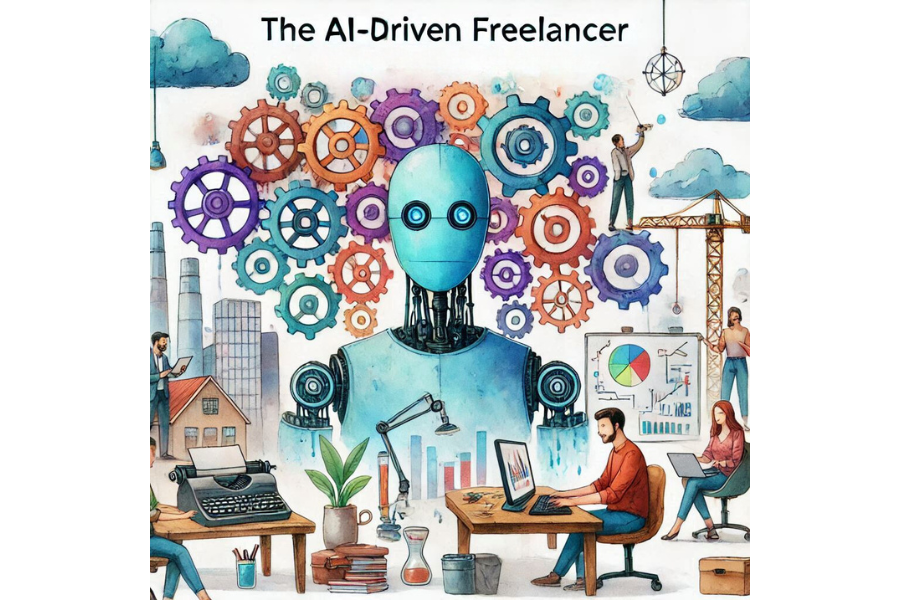
The AI-Driven Freelancer: How to Get More Gigs and Save Time
Freelancing offers freedom, but managing multiple clients and tasks can be overwhelming. Fortunately, artificial intelligence (AI) is transforming how freelancers work by automating repetitive tasks, enhancing productivity, and helping land more gigs. Here’s how freelancers can use AI to work smarter, not harder.
1. Craft Winning Proposals Faster
Creating personalized, compelling proposals can be time-consuming. AI-powered writing assistants like ChatGPT and Jasper can help generate tailored proposals in minutes.
Tip: Use AI to draft the initial proposal, then personalize it with details specific to the client’s needs.
2. Automate Administrative Tasks
Managing invoices, scheduling, and emails can eat up valuable time. Tools like FreshBooks and Zoho Invoice automate invoicing, while Calendly schedules client meetings effortlessly.
Pro Tip: Use AI email assistants like SaneBox or Boomerang to organize and schedule follow-ups automatically.
3. Build a Stronger Portfolio with AI Tools
Freelancers in creative fields can use AI-powered design tools like Canva and DALL·E to create eye-catching portfolios, logos, and presentations without design expertise.
Bonus: Use AI-based video editors like Descript for content creators working with video portfolios.
4. Optimize Job Search with AI Alerts
Job boards like Upwork and Fiverr can be overwhelming. AI-driven job search tools like Jobscan and LinkedIn Premium send personalized job alerts, helping you find gigs that match your skill set.
Quick Win: Set up AI-based alerts to receive the best job postings without constant searching.
5. Improve Writing and Editing
Freelance writers and content creators can speed up their workflow with AI tools like Grammarly and Hemingway Editor. These platforms polish writing, correct grammar, and suggest improvements.
Pro Tip: Use AI writing assistants for drafting articles, blog posts, or even email pitches.
6. Manage Projects and Deadlines Efficiently
Project management tools like Trello and ClickUp use AI features to automate task reminders and project tracking. This keeps deadlines on track while reducing manual updates.
Action Step: Set automatic notifications and task dependencies to stay ahead of your projects.
7. Master Social Media and Marketing
Freelancers building personal brands can use AI-driven marketing platforms like Buffer and Hootsuite to schedule posts and track engagement. Social media AI tools suggest the best content types and posting times.
Social Tip: Use AI-powered tools like Copy.ai for generating social media captions and promotional content.
8. Enhance Client Communication
AI chatbots and virtual assistants streamline communication by handling client queries, setting appointments, and providing project updates.
Pro Tip: Use chatbots for FAQs and client onboarding while focusing on personalized conversations when needed.
9. Set Smart Pricing and Quotes
AI-powered pricing tools like Bonsai or AND.CO analyze market rates, helping freelancers set competitive prices based on industry benchmarks and project complexity.
Money Tip: Regularly review AI-generated pricing recommendations to adjust rates as your skills grow.
10. Stay Ahead with Market Insights
AI analytics tools like Google Analytics and SEMrush provide valuable market insights, helping freelancers identify trends, analyze competitors, and refine their services.
Insight Tip: Use AI-powered data analysis to craft better pitches backed by real market data.
Conclusion
AI is a powerful ally for freelancers, streamlining workflows, boosting productivity, and opening doors to more opportunities. By integrating AI tools into your freelancing routine, you can focus on what matters most: delivering high-quality work and growing your business.